3D game development
Create detailed 3D worlds. Entities and prefabs, Terrain and Voxel Tools, PBR materials, lighting and post-processing.
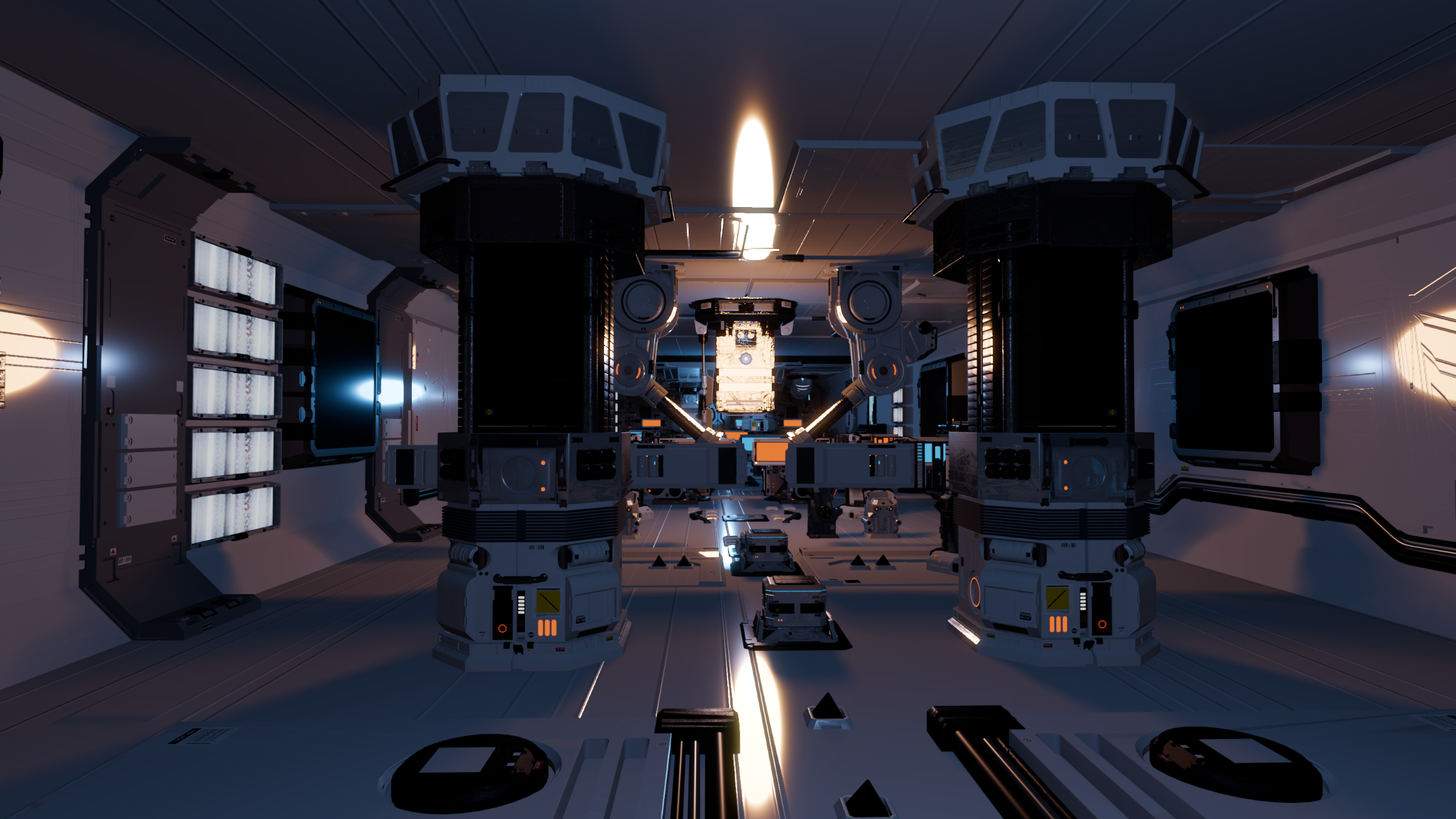
- Terrain and Voxel Tools
- Multiple renderer options
- Post-process profiles and volumes
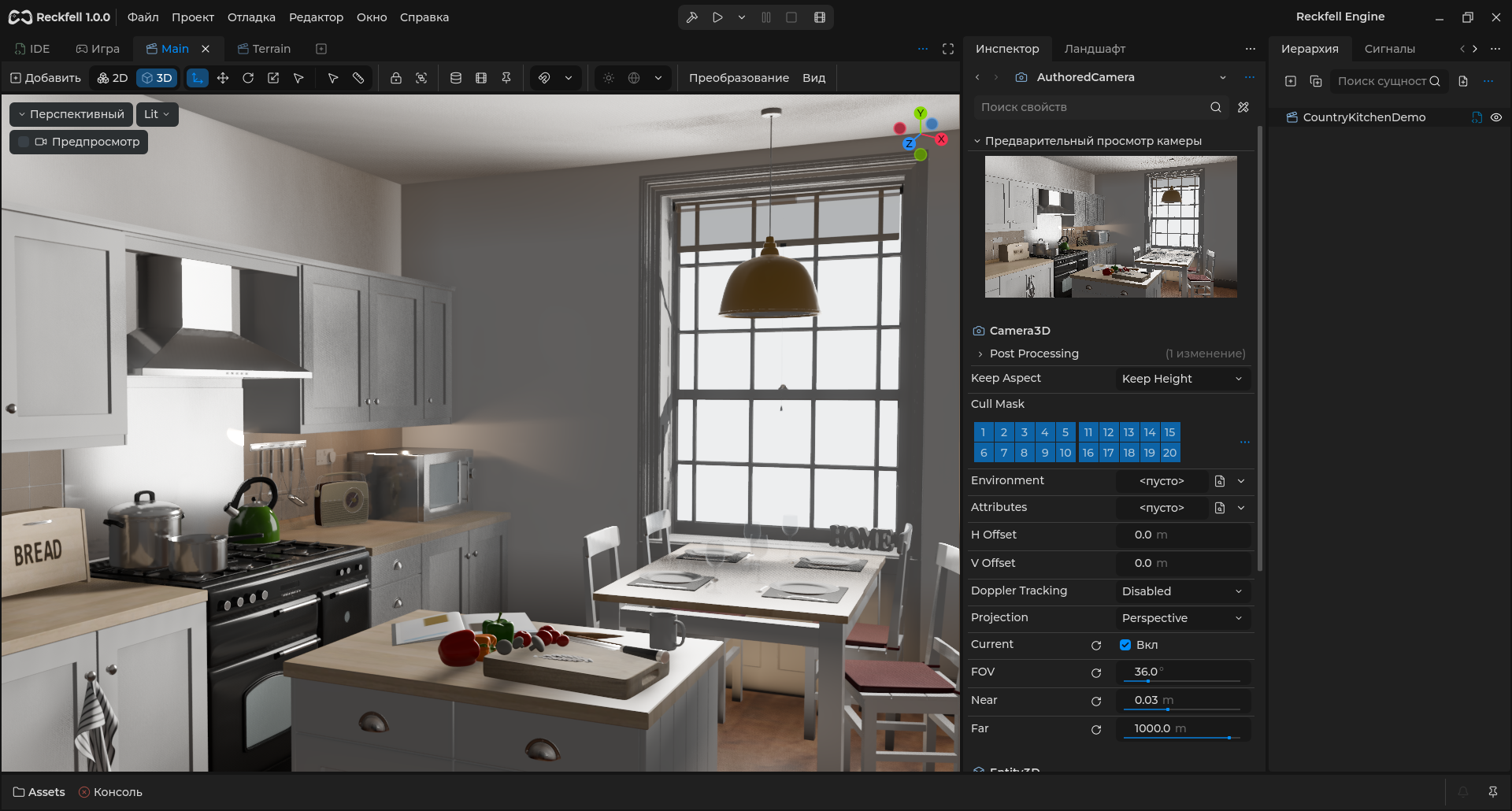
Build a playable space
Build levels with Entity3D and prefabs, add collisions and navigation. Use Terrain for landscapes and Voxel Tools for volumetric terrain.
Read the guide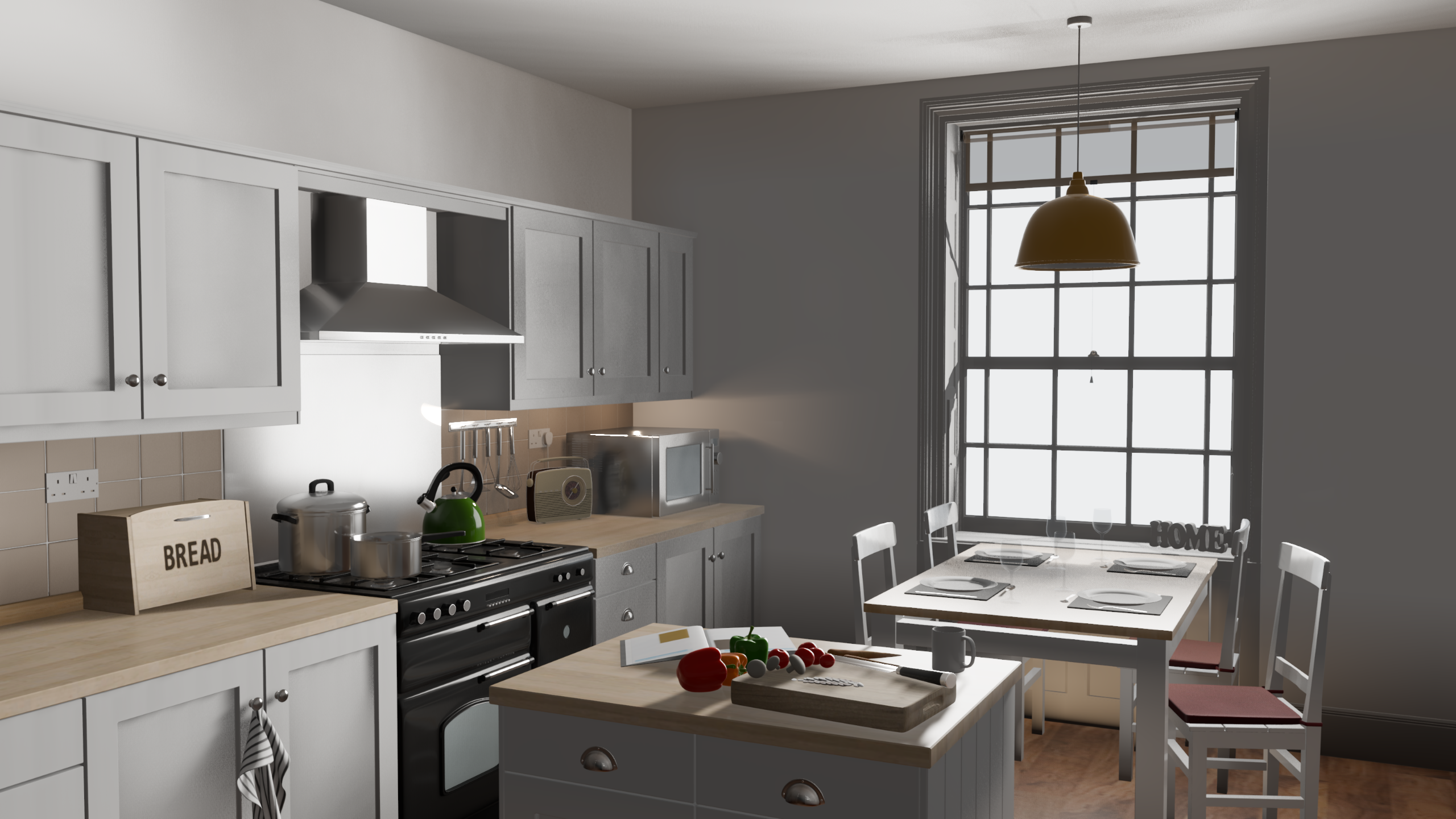
A frame with character
Shape PBR materials, direct and indirect lighting. Camera profiles and volumes control color, exposure and optics.
Read the guideusing var data = new VoxelBuffer();
data.Create(32, 32, 32);
data.SetVoxel(1, 16, 8, 16);Access chunk data from C#: read, edit and build geometry.
Detail where it matters
LOD and instancing help manage geometry and decoration. Diagnostic views and profiling reveal frame costs.
Read the guideRelated features
All features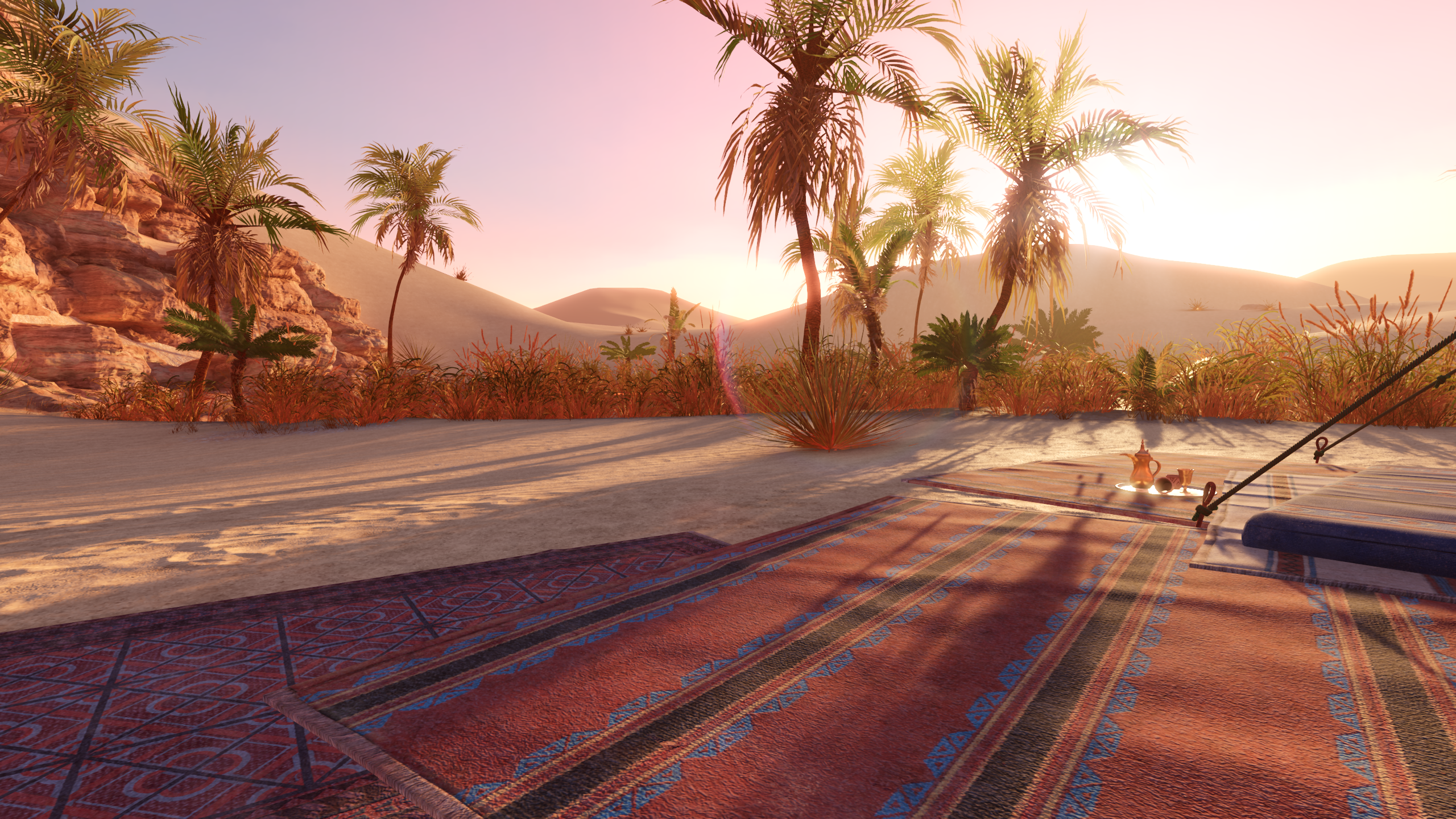
Terrain
Give your world its shape. Sculpting, materials, vegetation and collisions in the integrated Terrain toolset with a C# API.
Deferred
Detailed surfaces and clustered lighting. Deferred combines a G-buffer, shared materials and Forward passes for transparency.
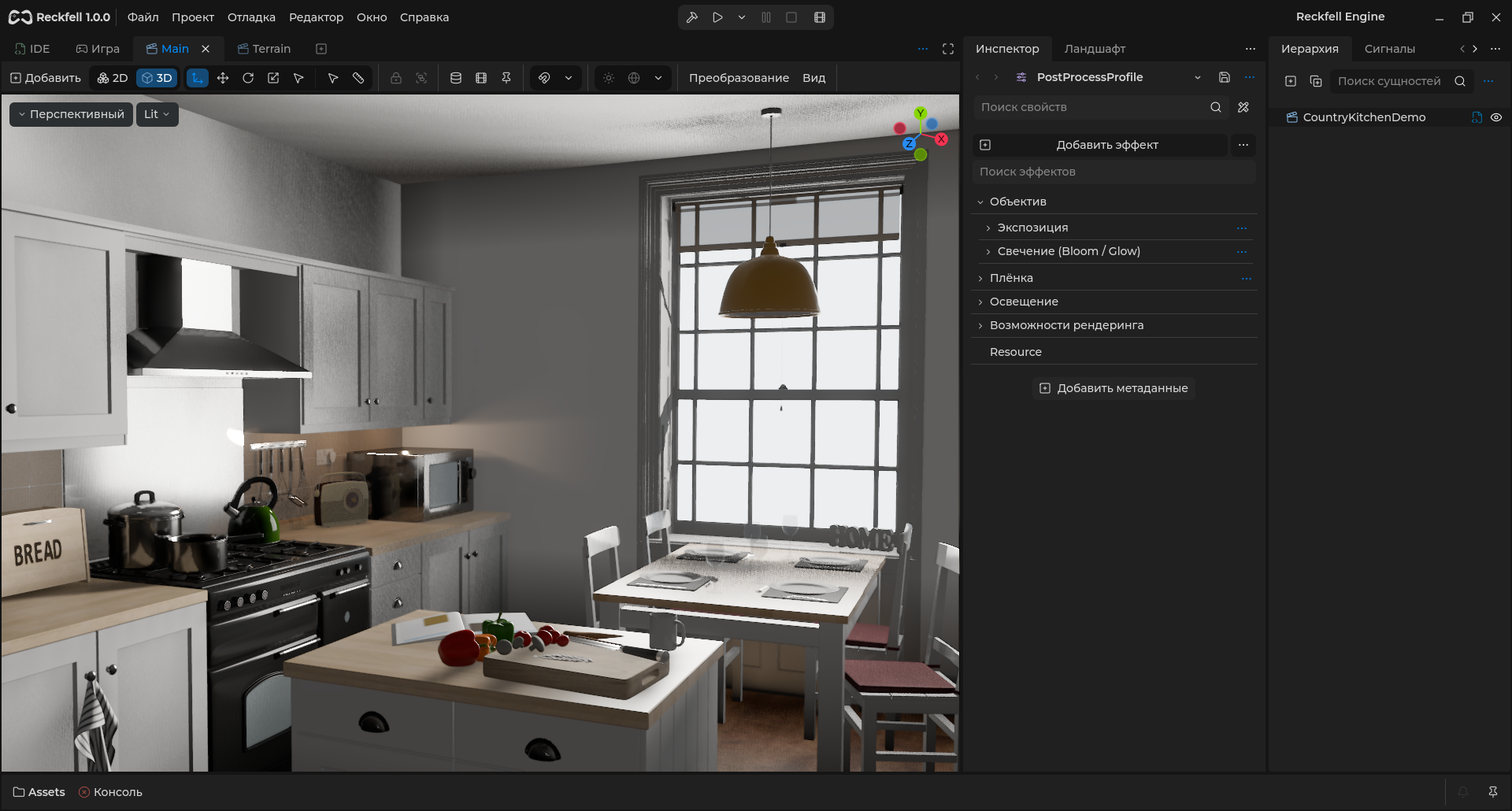
Game-engine post-processing and color grading
Give every frame its character. Exposure, color, bloom and optics through camera profiles and local volumes.
Questions and answers
How can I build large environments?
Use prefabs, Terrain, LOD and instancing. Voxel Tools separately supports chunk-based volumetric world streaming.
Which graphics features are experimental?
Radiant/WebGPU have separate experimental status and are not claimed as ready in every distribution.
Start building
Physics and collisionsBuild and exportThe Reckfell community
News, source code and a direct line to the team.

Download Reckfell Engine
Windows x64, C#/.NET 10 and SharpGraph. Free for personal and commercial games.