
Reckfell Engine features
C# and SharpGraph, Terrain and Voxel Tools, Deferred and post-processing. Built-in tools for your game, free and royalty-free under Reckfell Engine License 1.0.
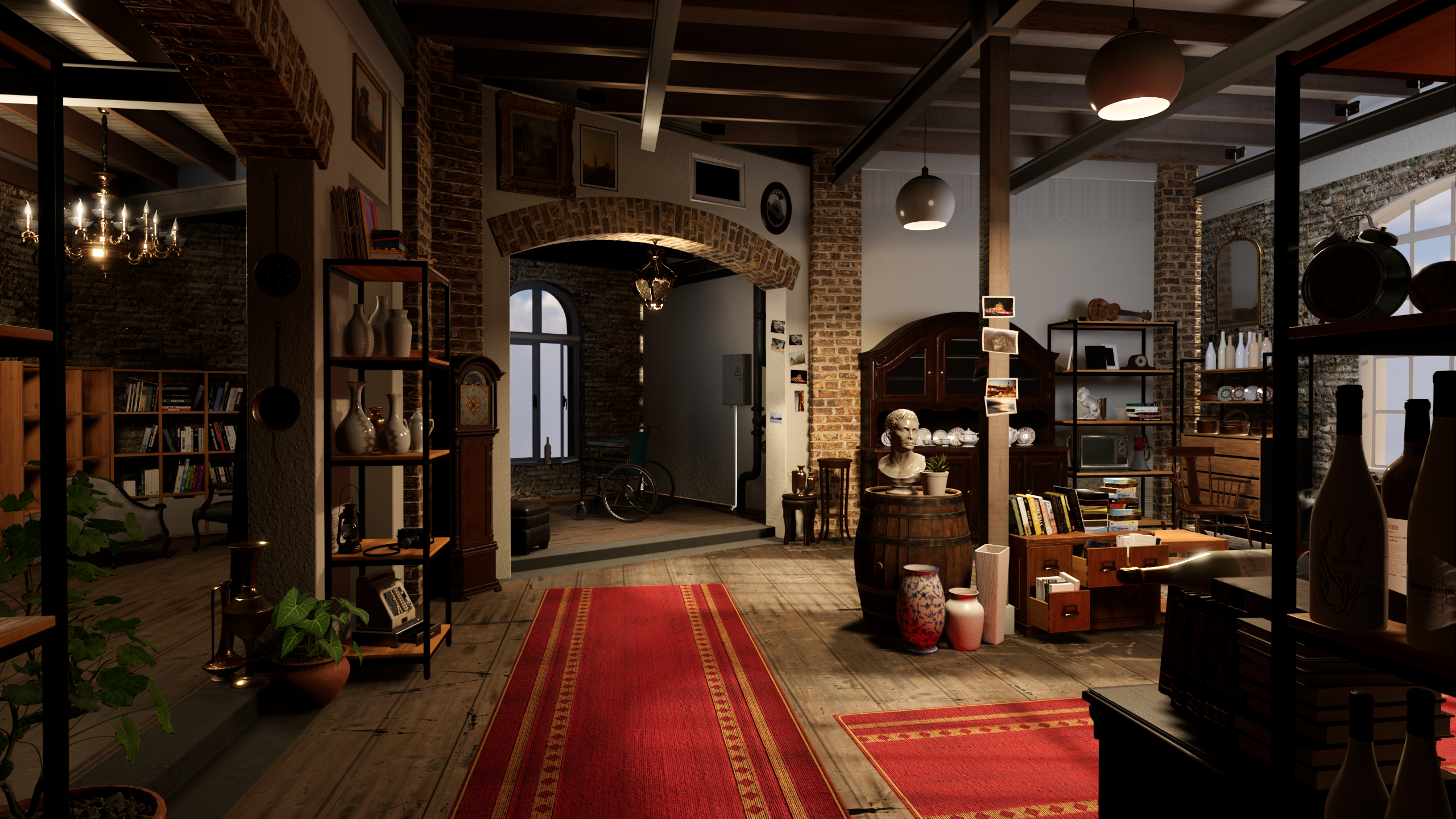 CAPTURED IN RECKFELL · EXPLORE THE SHOWCASE
Core tools
All features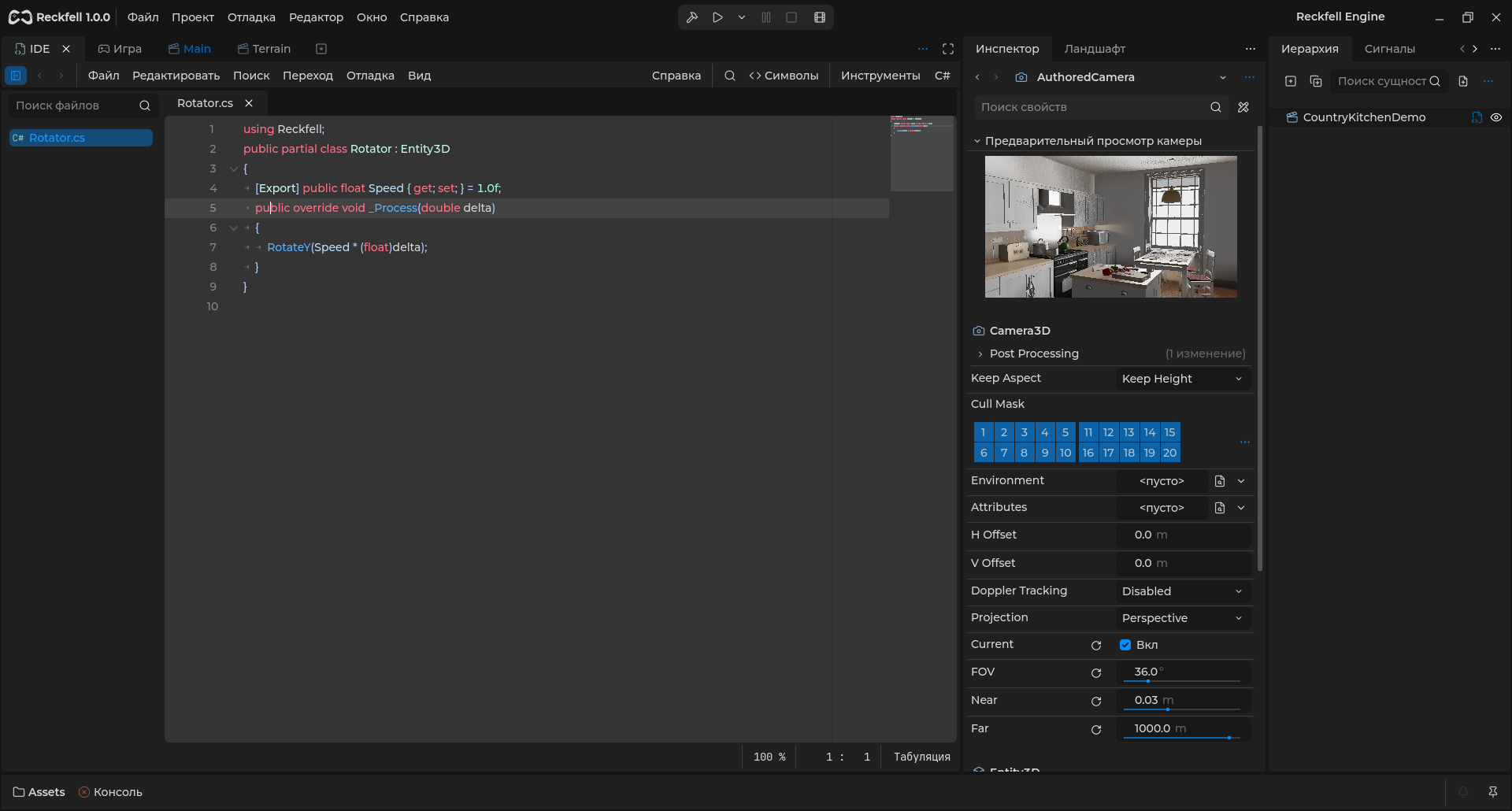
SharpGraph
Build gameplay visually. SharpGraph turns typed graphs into C#, with events, async actions and step-by-step debugging.
C# / .NET 10
Code beside your game. Semantic highlighting, Roslyn completion and C# refactoring inside the Reckfell editor.
Terrain
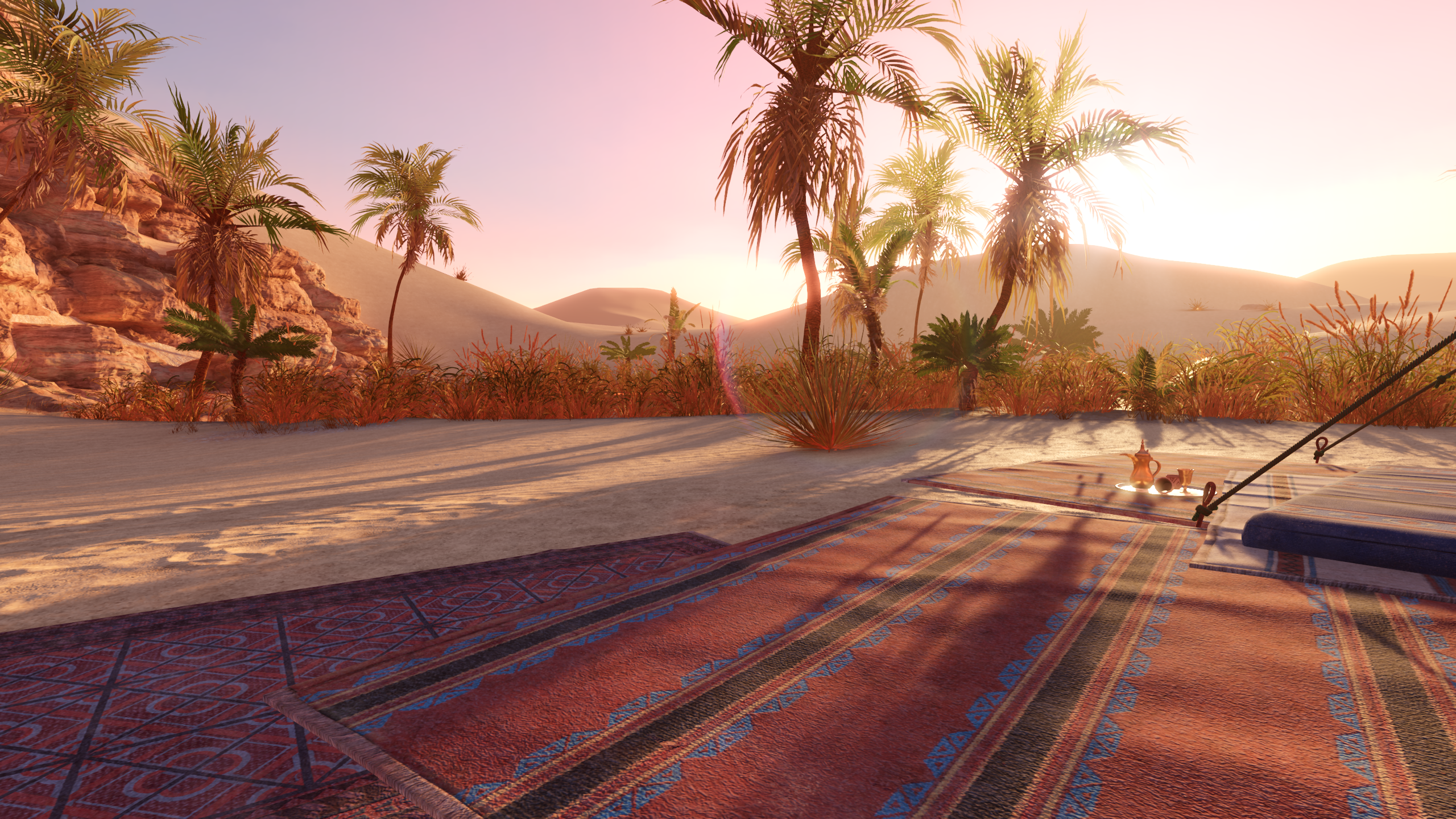
Give your world its shape. Sculpting, materials, vegetation and collisions in the integrated Terrain toolset with a C# API.
using var data = new VoxelBuffer();
data.Create(32, 32, 32);
data.SetVoxel(1, 16, 8, 16);
Access chunk data from C#: read, edit and build geometry.
Voxel Tools
Build worlds in volume. Blocks, smooth terrain, caves and destruction with generation graphs, chunks and LOD.
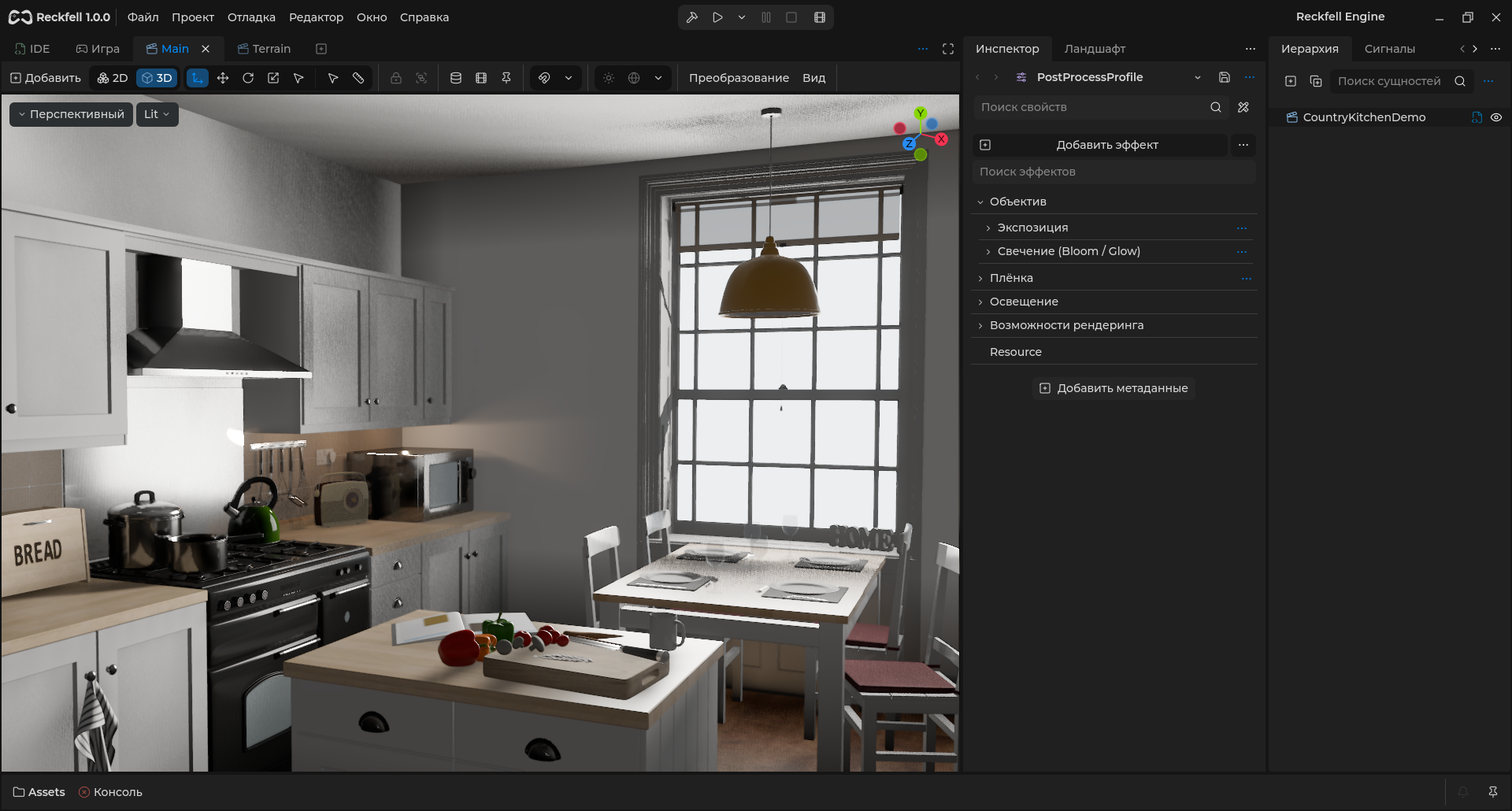
Game-engine post-processing and color grading
Give every frame its character. Exposure, color, bloom and optics through camera profiles and local volumes.
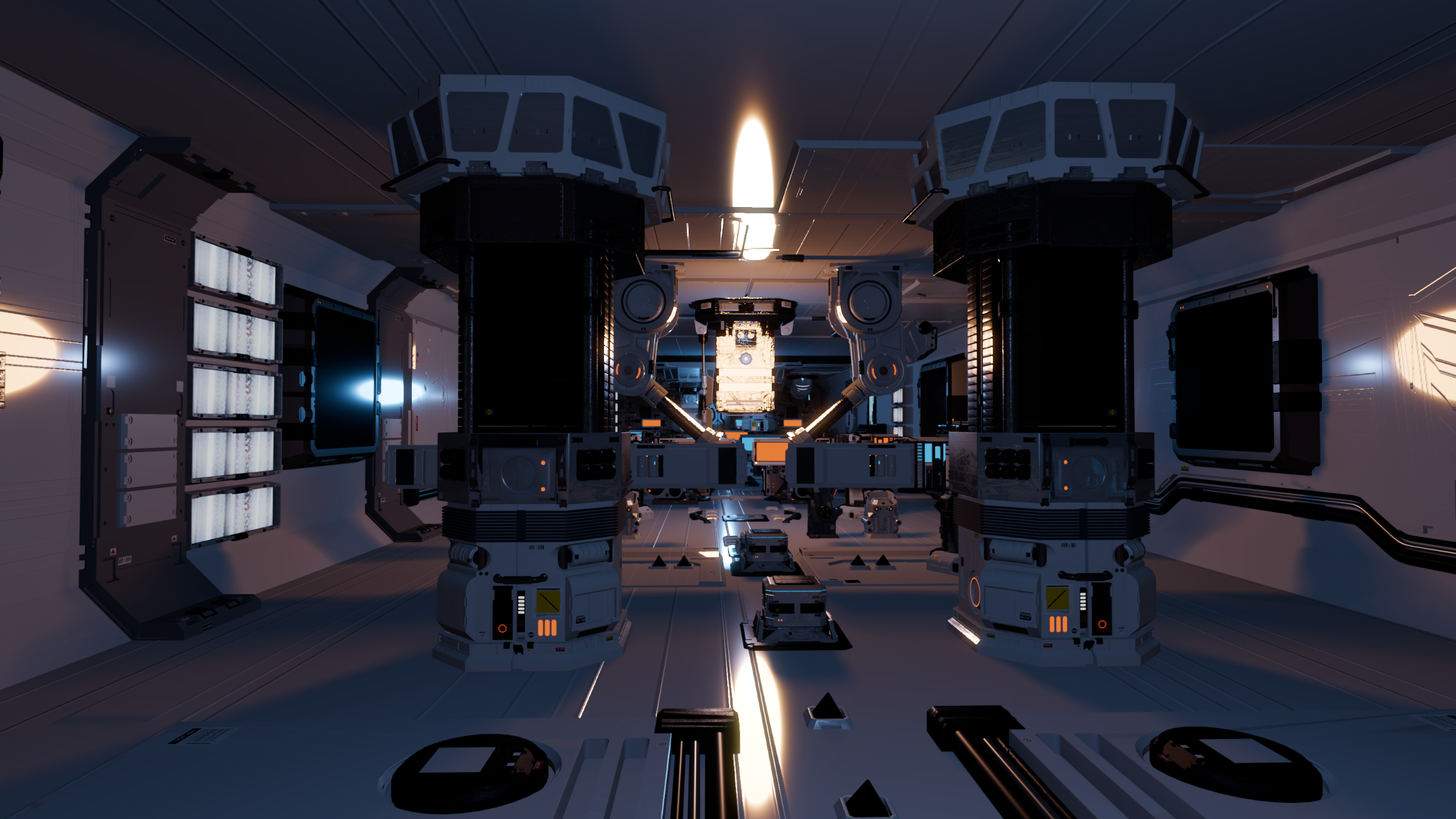
Deferred
Detailed surfaces and clustered lighting. Deferred combines a G-buffer, shared materials and Forward passes for transparency.
Entity
A camera, character, light or interface in the project hierarchy.
Prefab
A reusable hierarchy with instances and property overrides.
Scene
A game space assembled from Entities and prefabs.
Build your game from clear, reusable parts
Characters, cameras, lights and interfaces share one Entity hierarchy. Combine objects into prefabs and use them to assemble game scenes.
The Entity hierarchy
Entity2D and Entity3D form the foundation of game objects. Parent-child relationships, groups, signals and C# behaviour let you compose complex mechanics.
Learn morePrefabs built for reuse
Save characters, weapons, environment pieces and interfaces as .rprefab files. Create instances, inherit reusable assets and override properties for each use.
Learn moreScenes for game spaces
Use .rscene for levels and other game scenes. Scenes and prefabs are stored through PackedEntity, sharing one mechanism for instantiation, references and overrides.
Learn moreFrom stylized worlds to detailed 3D scenes
Shape materials, lighting and atmosphere in the editor. Choose a rendering mode that fits the target device and your project's visual style.
Materials and lighting
PBR materials, custom shaders, shadows, reflections and global illumination help establish your scene's look. Add environments, fog and post-processing in the same workspace.
Learn moreRendering for different devices
Forward+, Mobile and Compatibility let you balance modern effects with support for less powerful graphics hardware. The rendering backend includes Vulkan, Direct3D 12, OpenGL and Metal; available effects depend on the platform and renderer.
Learn moreA dedicated environment for 2D games
Work in pixels and screen coordinates. A dedicated 2D system brings together sprites, tiles, lighting, animation and physics.
Tile-based levels and lively environments
Build maps with TileMapLayer and TileSet, then configure collisions and navigation. Sprites, parallax, 2D lighting and shadows add depth without moving to 3D.
Learn moreResponsive game interfaces
Control, containers, anchors and themes provide the foundation for menus, HUDs and editor tools. Configure sizing, focus, fonts and localization for different screens and input methods.
Learn moreMotion that brings everything together
Animate characters, object properties, interfaces and game events. Work with timelines and transition graphs in one project.
Keyframes and state machines
AnimationPlayer drives property and method tracks, while AnimationTree handles blending and transitions. Use skeletal animation in 2D and 3D and control playback from C#.
Learn moreRecord videos from your project
Movie recording lets you capture gameplay and scripted scenes at a chosen frame rate. Create cutscenes, mechanic demonstrations and presentation footage.
Learn moreFrom source asset to game object
Bring models, textures, audio and game data into one workflow. Change source files and update project resources through the import pipeline.
Models, materials and animations
Import glTF and FBX with object hierarchies, materials and animations. Direct .blend import uses an installed Blender application. Assets helps you find assets and open their settings quickly.
Learn moreCustom game data
Describe weapons, character stats and game settings with Resource. Save data in .rdata files, connect resources and edit exported properties in the inspector.
Learn moreWrite game logic and extend your tools
Use the typed Reckfell API and .NET libraries. Native extensions and a modular engine structure support lower-level work.
C# and .NET 10
Create Entity behaviour, handle signals and expose inspector properties with Export. The dedicated SDK and portable .NET environment are included in the Windows editor distribution.
Learn moreNative tools and automation
Integrate C++ libraries through the ReckfellExtension API, create editor plugins and build your own engine modules. Built-in MCP tools let you automate project work.
Learn moreA world that responds to the player
Connect movement, collisions, pathfinding and spatial audio. Configure the behaviour of game systems directly in the editor.
2D and 3D physics and navigation
Character bodies, rigid bodies, areas, collision shapes, raycasts and joints form the basis of game interactions. Navigation agents help characters find paths and avoid obstacles.
Learn moreSpatial audio and mixing
Place sound sources in 2D and 3D, organize audio buses and configure effects. Control music, ambience and interface audio independently.
Learn moreBuild worlds from volumetric data
The voxel module complements conventional 3D meshes with blocky and smooth terrain, generators and levels of detail.
Terrain and level of detail
VoxelTerrain and VoxelLodTerrain offer different ways to organize voxel worlds. Use blocky geometry or smooth surfaces and choose a suitable level of detail.
Learn moreProcedural generation
Build generators with VoxelGeneratorGraph and combine noise with terrain parameters. Voxel objects share the Entity hierarchy and interact with the rest of the project.
Learn moreBring game ideas into immersive worlds
Use the same 3D environment for flat-screen and XR projects. Cameras, input and spatial objects remain part of the Entity hierarchy.
OpenXR and input devices
Configure the XR camera, controllers and action maps through OpenXR. Hand tracking and other extensions depend on the headset and its OpenXR runtime.
Learn moreWebXR for the web platform
The web subsystem includes WebXR for compatible browsers and devices. This target requires a separate web build; C# and XR availability must be checked for the selected platform.
Learn moreOne project for different devices
Reuse game data, prefabs and logic while tailoring graphics, input and export settings to the target device.
Desktop and mobile platforms
The engine source includes platform implementations for Windows, Linux, macOS, Android and iOS. Export uses platform-specific templates and build tools.
Learn moreReady-to-use Windows distribution
The portal currently provides the Windows x64 editor and export templates with C#/.NET. Ready-made builds for other platforms are not published yet; a platform implementation in the source does not imply an available download package.
View downloadsYour project stays yours
Reckfell Engine is free for game development and royalty-free releases. Source work and engine distribution follow Reckfell Engine License 1.0; third-party material licenses remain valid.
No revenue share
Release free or paid games without engine royalties. Choose your project's distribution model and your team's tools.
View downloadsTools that fit your project
Study the systems, modify the editor and build the engine around your workflow. Extend projects with plugins, resources and assets.
Learn more