RECKFELL ENGINE
The Reckfell editor
A workspace for the task at hand. Code, graphs, resources and your game in tabs, with floating panels and saved layouts.
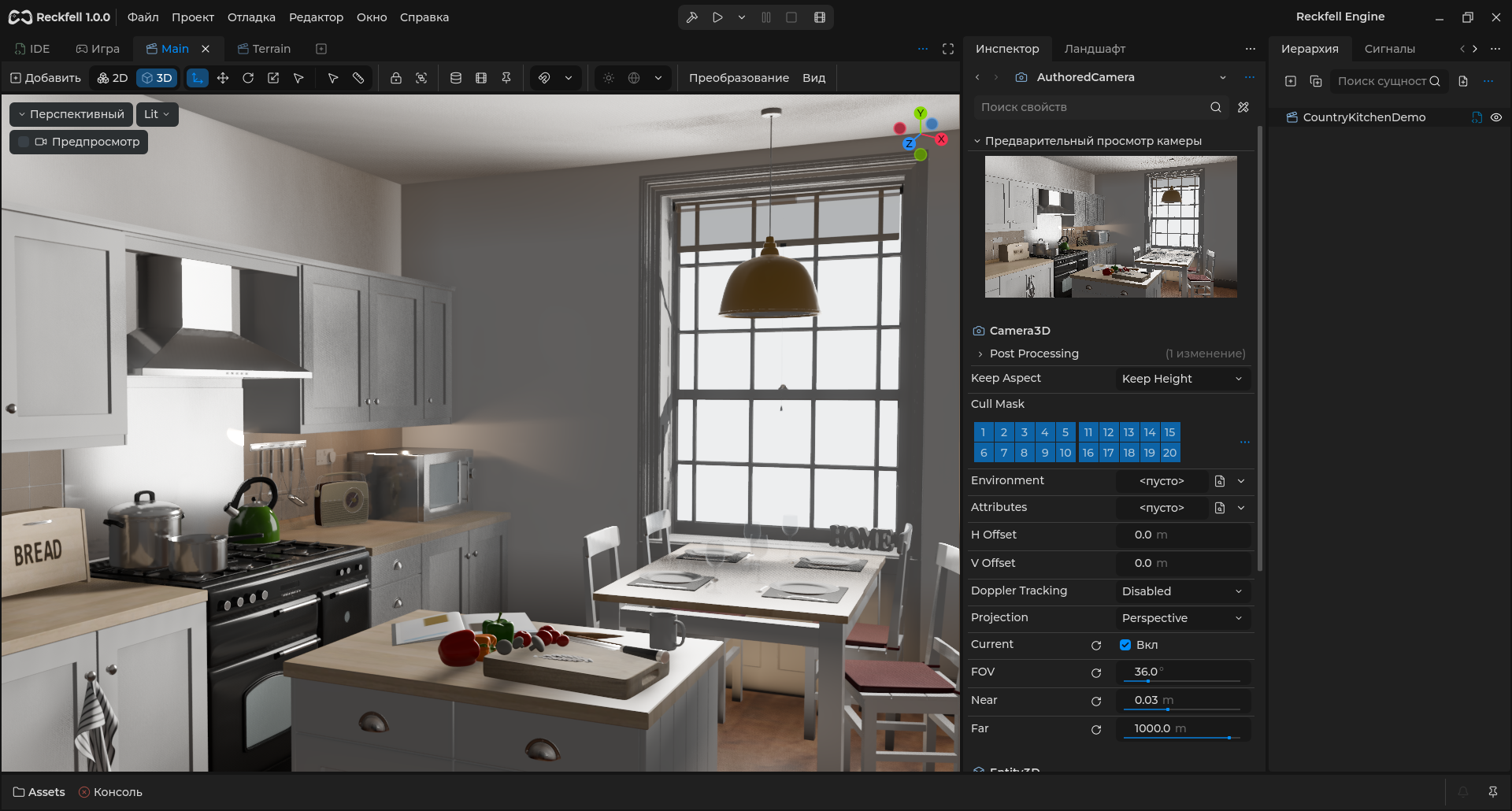
- Unified tabs and layouts
- Shared graph design
- Contextual tools
Tools follow the document
Open code, shaders and animation in contextual workspaces. Move panels and save layouts.
Read the guideObjects and resources within reach
Inspector and Hierarchy work side by side. Open project files, prefabs and materials with Ctrl + Space in Assets.
Read the guide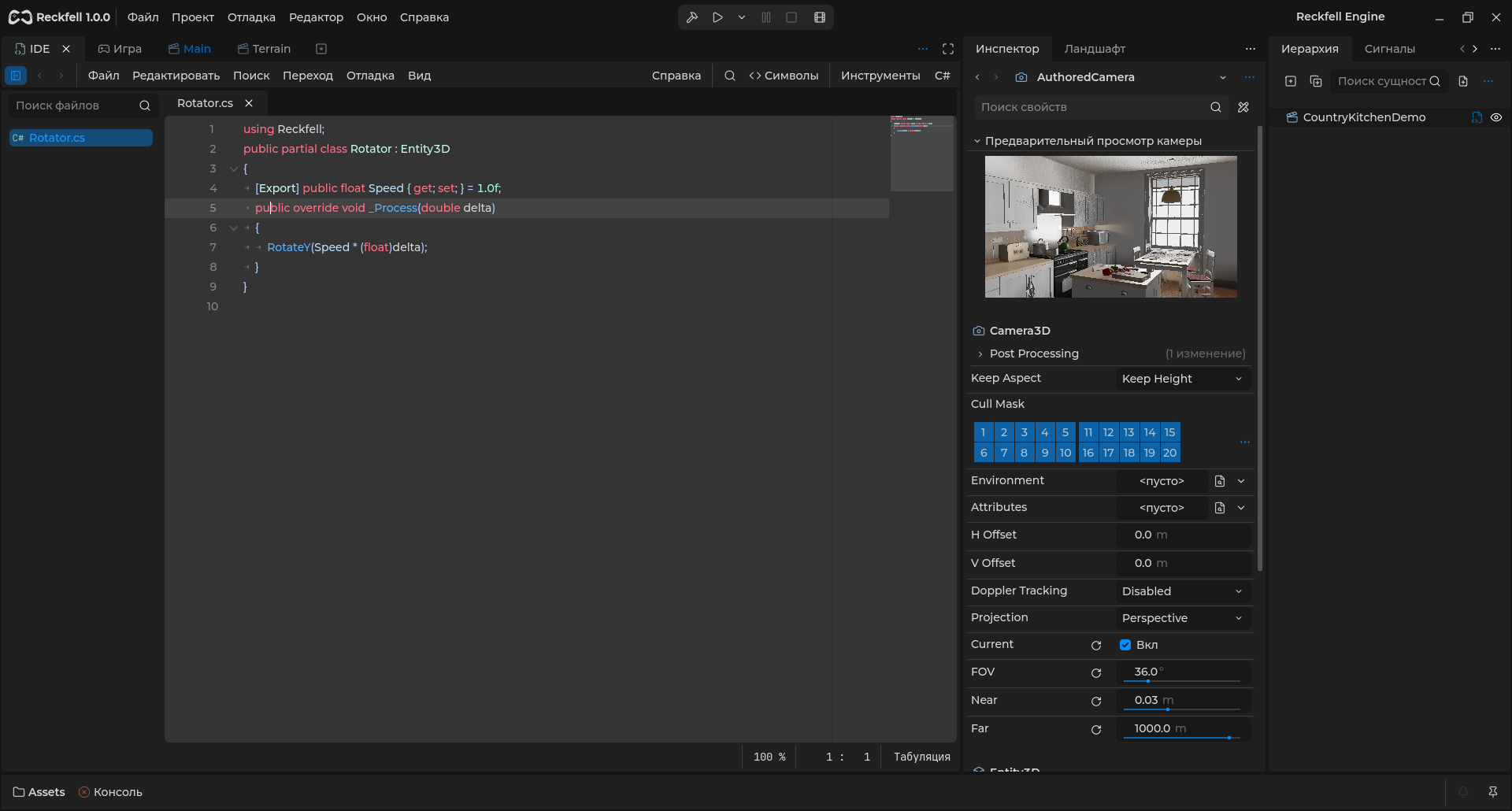
One approach to graphs
SharpGraph, VisualShader, animation and voxels share graph design: semantic colors, search and simplified cards when zoomed out.
Read the guideRelated features
All featuresQuestions and answers
Can I arrange docks?
Yes: configurable/floating docks and saved layouts are available.
Will an incompatible project migrate automatically?
Strict schemas reject incompatible data. Keep a separate project copy before format changes.
Start building
Using the editorEntities and hierarchyRECKFELL / COMMUNITY
The Reckfell community
News, source code and a direct line to the team.

Download Reckfell Engine
Windows x64, C#/.NET 10 and SharpGraph. Free for personal and commercial games.